
Jakub Zerdzicki · Pexels licence
A home can be full of clever controls and still be difficult to use. If a guest needs a tutorial to turn on a bathroom light, or one household member must manage every setting, the design has missed something basic.
Make everyday actions obvious
Begin with the things people do without thinking: entering a room, leaving the house, going to bed and getting up at night. Those actions should remain easy. Extra features can sit behind familiar controls rather than replacing them entirely.
Ask someone who did not choose the equipment to try the proposed arrangement. Where do they instinctively look for a switch? Do the labels make sense? Their hesitation can reveal a problem that the person designing the system has stopped noticing.
Avoid making a phone compulsory
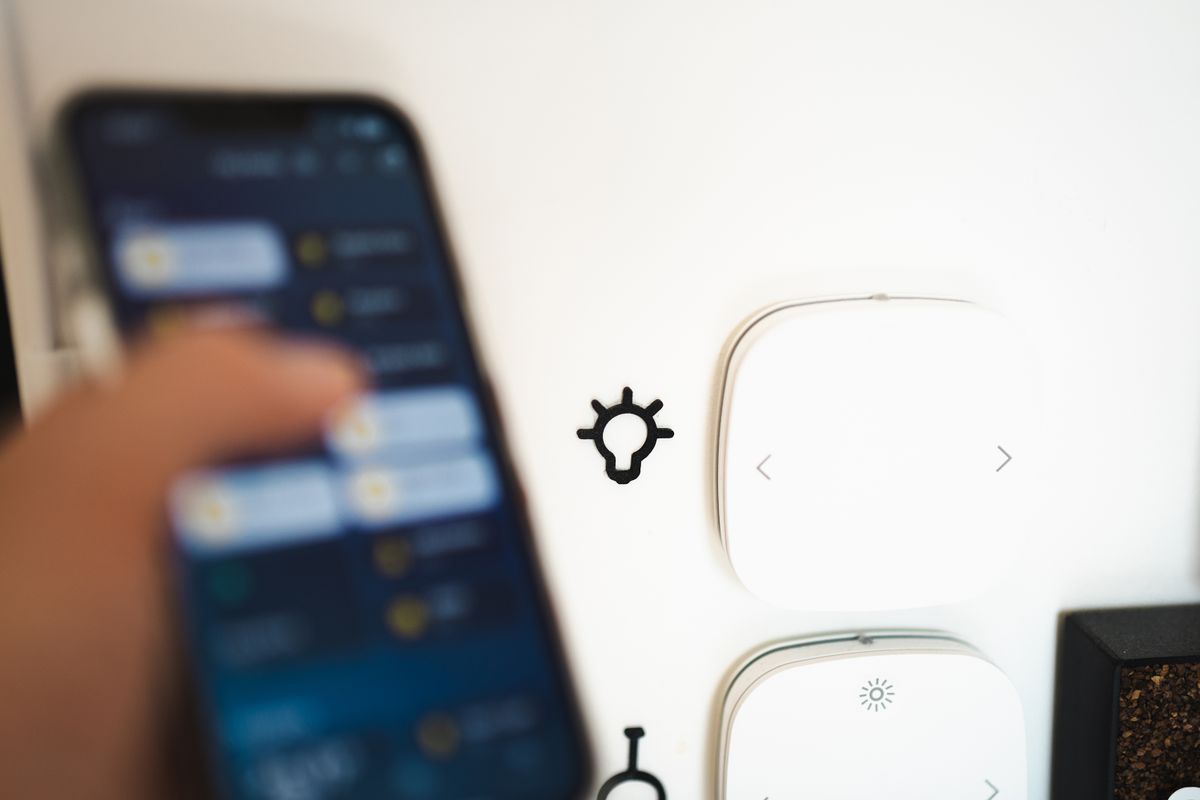
A phone can be a convenient additional control, but it may be flat, misplaced or unavailable to a visitor. Some people do not want another app. Consider physical controls for the functions that need to be immediately accessible.
The appropriate arrangement depends on the equipment and household. Ask how ordinary operation works if a network service is unavailable. Explain any accessibility needs directly rather than expecting a standard package to suit everyone.
Use names people understand
A button labelled for a real activity is easier to remember than a technical description. “Kitchen” or “Evening” may be useful; an unexplained number may not be. Keep the number of options proportionate to what people actually use.
Consistency helps too. If a similar action behaves differently in every room, people have to keep learning the house. That does not mean every room must be identical, but differences should have a purpose that can be explained simply.
Plan for changes in the household
Children grow, rooms change use and people's needs can alter. Ask how ordinary settings can be changed and which alterations require specialist help. Keep a record of the system so the knowledge is not held only by one person.
At handover, make sure the homeowner controls the accounts and understands the support arrangements. Follow sensible security practices and manufacturer update guidance. Convenience should not depend on sharing one person's password with everyone who needs to turn on a light.
Test a normal day, not a demonstration
Run through several ordinary situations: someone arriving after dark, a guest staying overnight, or a person reading while somebody else watches television. Can each get the result they need without disturbing the other?
If the answer is no, simplify the arrangement before adding more features. A conventional control in the right place may be more valuable than an additional automation. Smart equipment should remove friction, not create a new household responsibility.
At handover, ask someone who has not watched the installation to try the everyday controls. Their questions are useful. If turning on a hall light requires an explanation, simplify that interaction before adding further features.
When planning electrical changes before decoration, discuss control positions with Wallington Electrical Services as carefully as fitting positions. The finishing touches may be attractive, but the controls are what people touch every day. A successful system feels understandable to the people who live with it, including those who have no interest in how it works.